What kind of value is growing on this card?
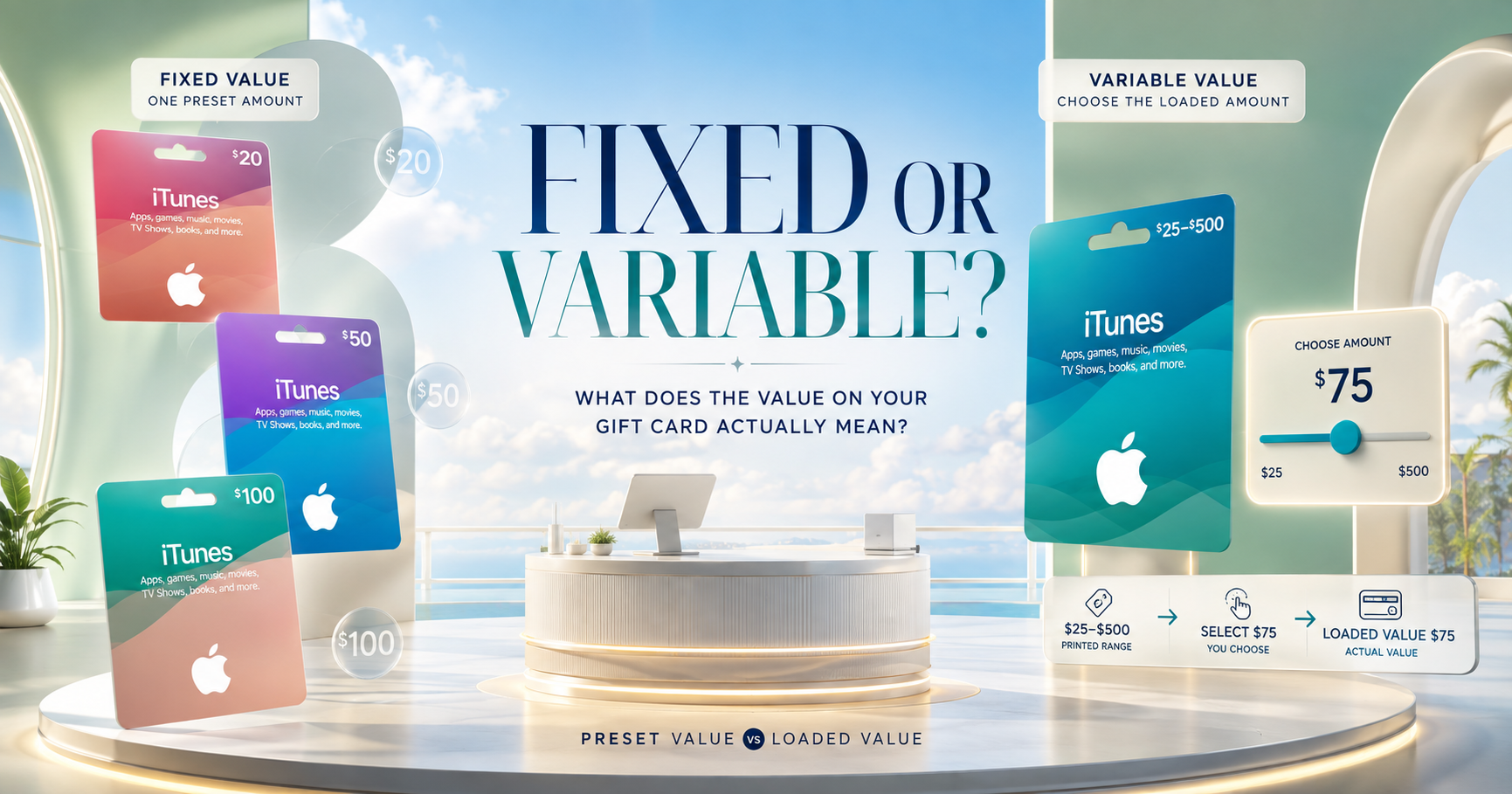
Move across the garden and tap the floating labels. One card has a preset value; another receives its value when loaded.
Choose a floating label to start
Move across the garden and tap the floating labels. One card has a preset value; another receives its value when loaded.
Choose a denomination seed. Each seed grows a separate fixed-value card.
The amount printed for that version is predetermined. Choosing another denomination means choosing another card option.
Drag around the center dial to choose an example loaded value. The printed range does not change.
The range describes what can be loaded—not necessarily what was loaded.
Hold the flower button until the loading ring completes. The machine prints a purchase record only after the value is set.
Selected within the permitted range
Use the wipe control to reveal how the same card shape can represent two different value systems.
Printed denomination = face value
Printed range → selected loaded value
Look at the card, then choose one answer. You get an explanation immediately.
Move over the artwork and open the evidence notes. A purchase record may help when the final loaded value is not obvious on the card.